Structuring Your Workspace
The workspace is at the center of everything in Amua. This page covers structuring your workspace so it scales with your team. Getting this right early saves you cleanup later.
Subgroups are designed to match how your team actually operates#
Before creating subgroups, answer two questions:
- How is your team structured? By department, client, pipeline stage, product, region, etc. — whatever the natural divisions are inside your operation.
- What do you need to be able to do at an organizational level? Onboard new hires across multiple chats? Track activity by department? Filter chats by client?
These answers shape your structure.
The best structure is the one that matches how your team would describe their own work. If your sales team says "I work on outbound" and "I work on customer success," those are your subgroups.
Fill in your new structure#
Start by adding your people and designating Admin and Team Lead roles. For guidance on who should be designed what role, refer to the archetypes detailed in the Workspace Roles section.
You can delegate aspects of your workspace setup from here. Admins can add anyone you missed, and all roles - including Members - can import Telegram chats that are relevant to the workspace. In fact, you'll need them unless you're in every single internal and external chat already.
As chats get added to the workspace:
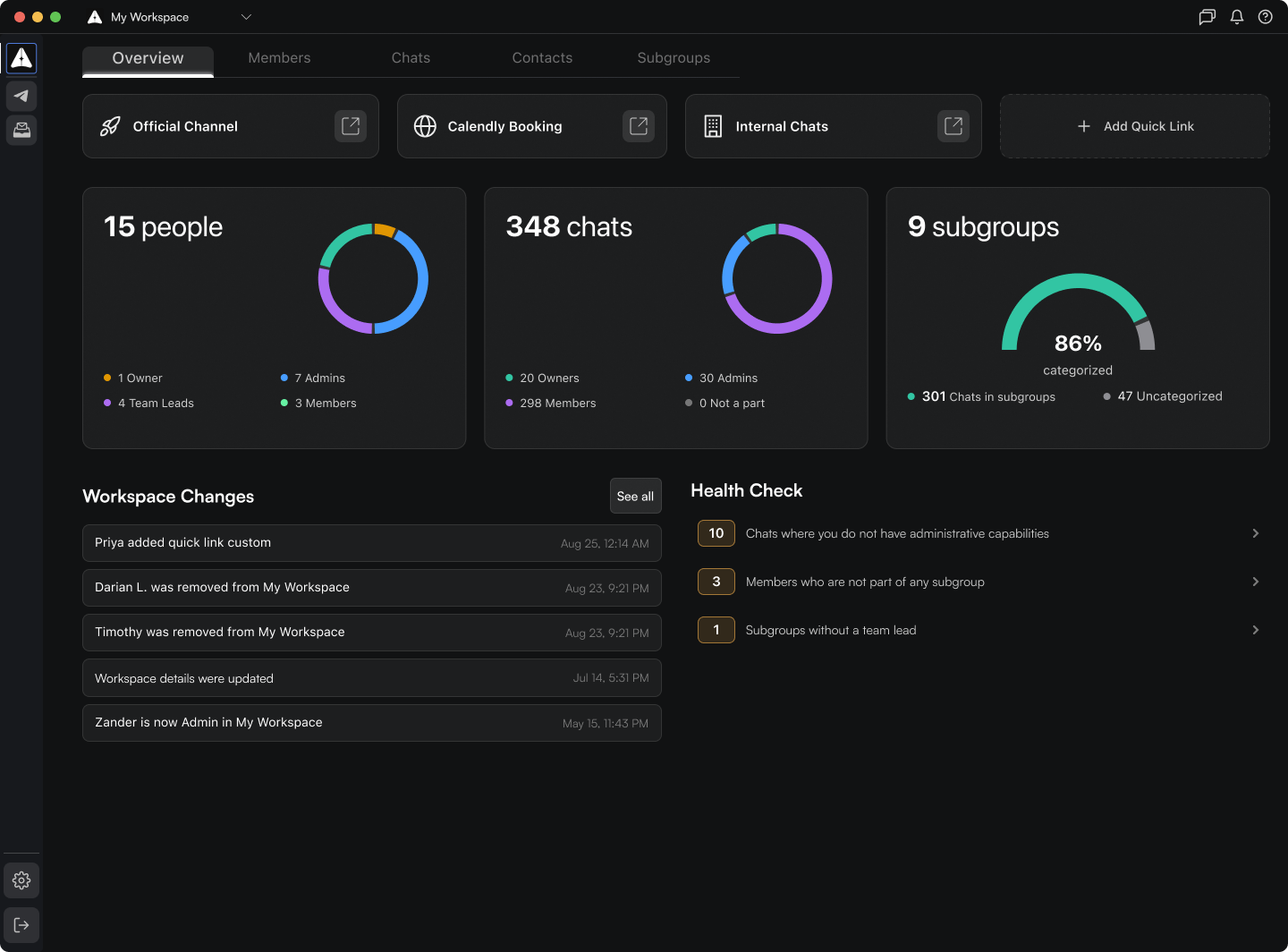
- Add them to the subgroups you created. When importing a workspace chat to a subgroup, the second tag displays the chat's current subgroup. It will read "Uncategorized" if it has not yet been added to a subgroup. You can also filter the Group Chats tab by "Subgrouping" to see all of the uncategorized chats.
- The Overview tab will show you what percentage of your workspace's total Telegram chat count you are Owner, Admin, and Member of. These are Telegram roles, not Amua — this chart is to show you how many chats you have workspace-wide administrative control over. This will matter when it comes to offboarding/bulk removal and other actions, as Amua is simply orchestrating Telegram actions here. We recommend viewing the Chats tab periodically to request admin rights from the owners of the Telegram chats you need administrative capabilities in.
- Some chats are meant for internal purposes only. You can denote such chats in the overflow menu and toggling "Mark as Internal."